



Our team is thrilled to share with you Version 4, which brings the latest and most revolutionary 3D technology to pool and landscape design.
With dramatically improved 3D rendering quality, groundbreaking new features, unprecedented speed, and notably finer controls, Version 4 is the most significant update to Pool Studio, VizTerra, and Vip3D yet.
Thoughtfully designed to include exciting new features and radical improvements for everyone, this release builds on and expands the essential tools, libraries, and features to include a wealth of extraordinary new options alongside absolutely spectacular graphics.
Ready to elevate your designs and captivate your clients? Here’s what’s new:
-
A totally redesigned 3D Engine
-
A dramatically improved 3D library
-
An elegant approach to 3D presentations
Check out the update video (watch this video in full-screen mode).
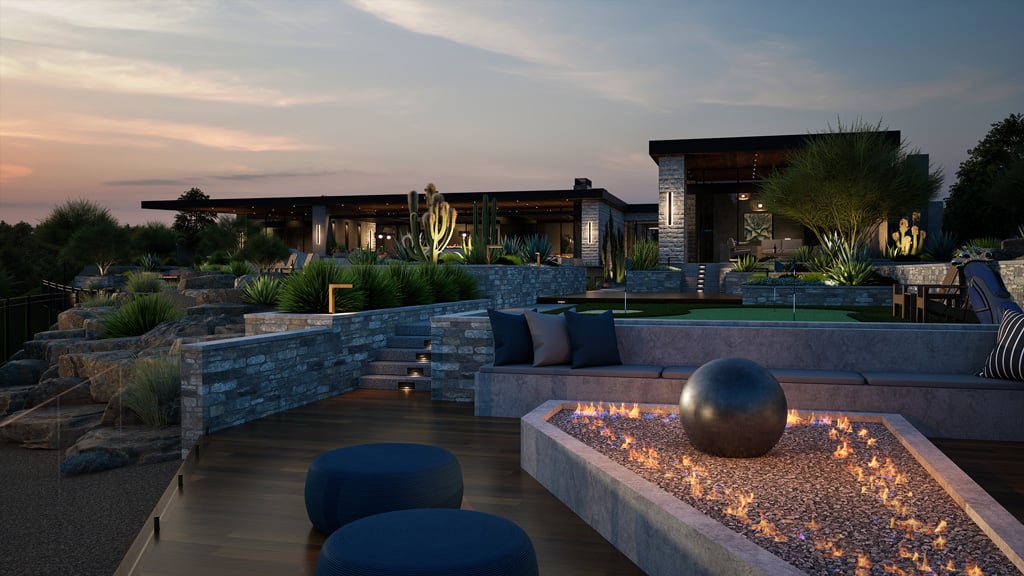
Path Tracing
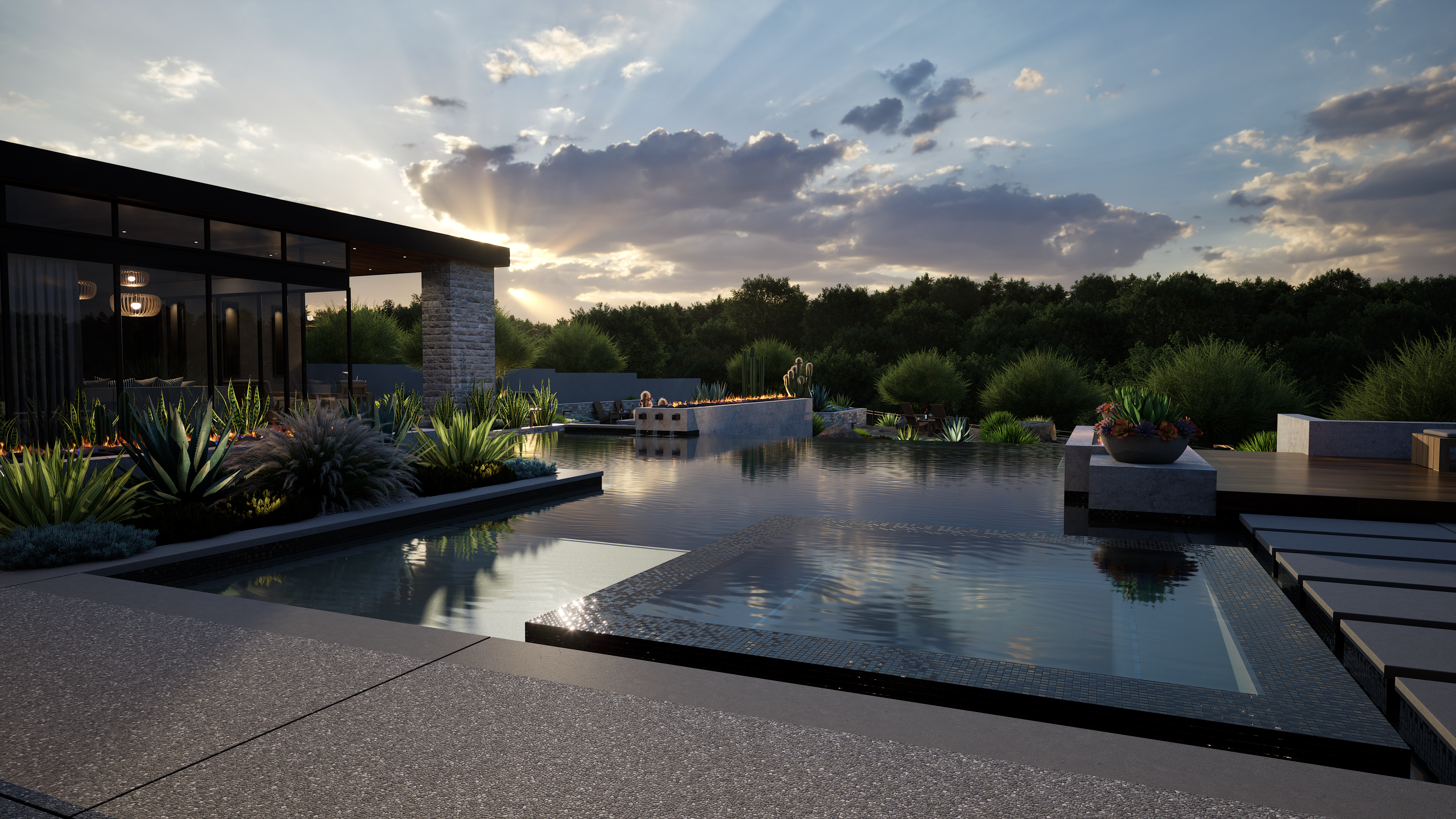
Elevate the quality of your images with Path Tracing, which accurately simulates complex lighting and delivers high-quality, physically accurate results.
With these powerful new lighting controls, you’ll see beautiful results right out of the box. As you explore and fine-tune these settings, you’ll be able to dial in specific moods—like the warm ambiance of a romantic evening—and develop your own unique artistic style. Advanced Lighting gives you the power to push every project to a higher level of realism and impact.
DLSS / Global Illumination
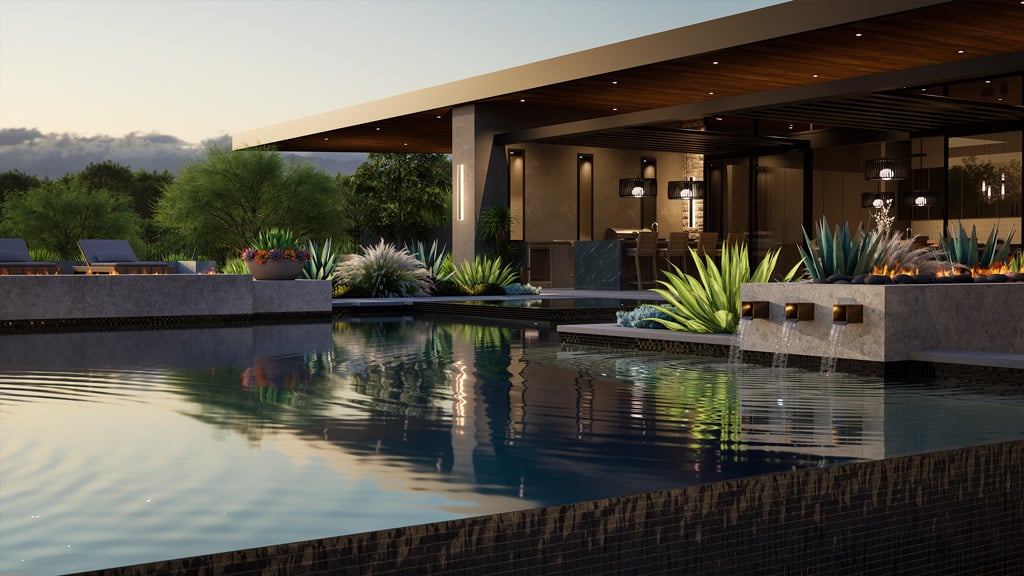
Discover how beautifully DLSS enhances visuals, improves stability, and boosts real-time scene performance.
With these new options, global illumination and reflections are now able to provide fully dynamic indirect lighting and reflections. Global illumination simulates how light interacts with objects and how reflections transfer between objects with greater accuracy.
HDRI Skies
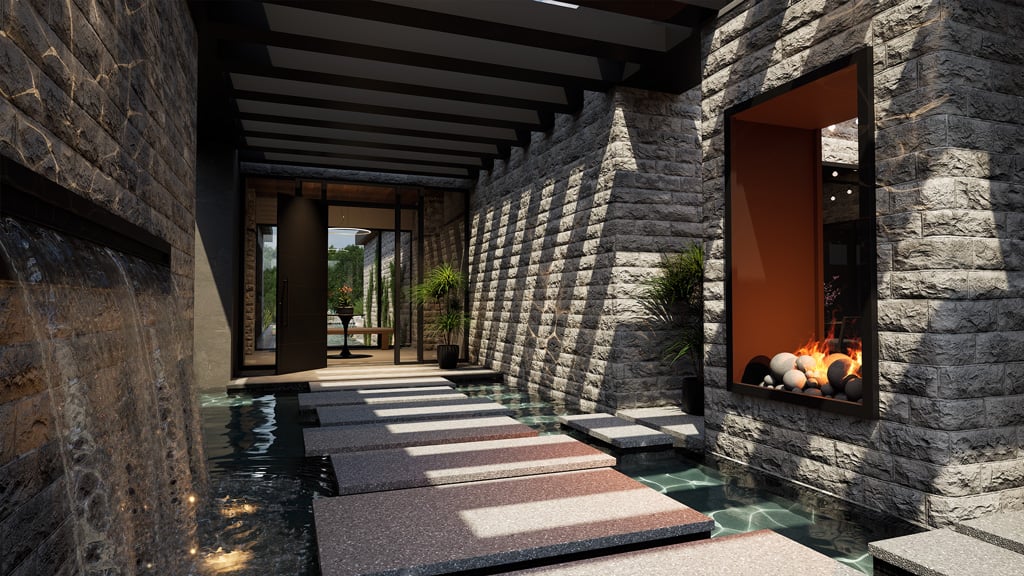
With the new HDRI feature, you can create more realistic skies and lighting for convincing shots. You can select from the variety of skies that we’ve provided or you can import your own custom HDRI sky.
Expanded GIS Data
The newly expanded GIS Data options include automatically generated parcel lines, setbacks, 3D structures, assessor property information, and more, all thoughtfully integrated to help you quickly grasp important information as you begin your design.
Expanded Grid Size & Environments
You can now expand the grid to suit even your largest project. Simply select the grid size that fits your needs—up to 2550 ft x 2550 ft—and start designing!
With the new High-Resolution Environment Backgrounds, you can personalize your design process even more. Just click to choose the background you prefer, such as the new Ocean option, and instantly see the crisply detailed background environment.
Default System
Now, you can set default preferences for each stage. Whether you want to set the default font, fill, and line styles in the construction stage or get designs done faster by setting the default height and lip style, setting your preferred defaults makes it even easier to add the perfect finishing touches to your projects.
And once you set your preferred defaults, they’ll remain set automatically in each new design you begin.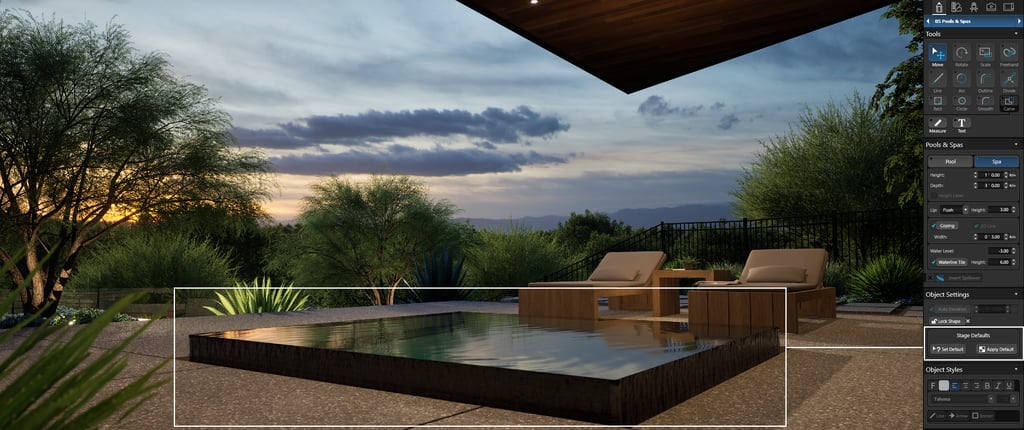
PBR Material Import
Creating custom materials to use in your projects just got even more exciting. With PBR (Physically Based Rendering) Material Import, you can now create realistic materials by bringing texture maps into Vip3D. The five new options for these texture maps—Normal, Height, Roughness, Metallic, AO—make it easy for you to achieve a spectacular range of custom options.
After importing, set the physical width of the texture so it displays at the correct real‑world size in your projects.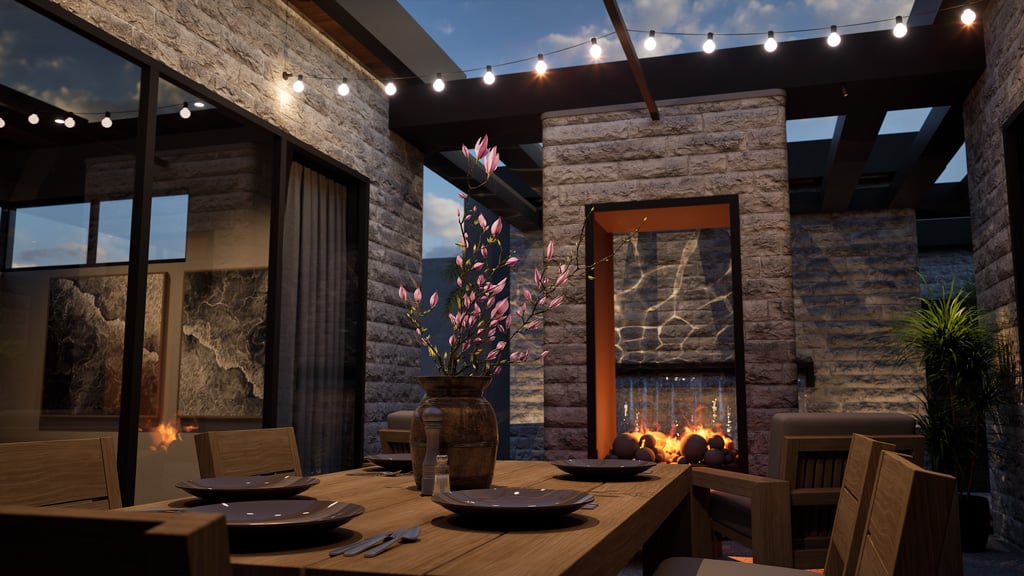
Materials & Plants
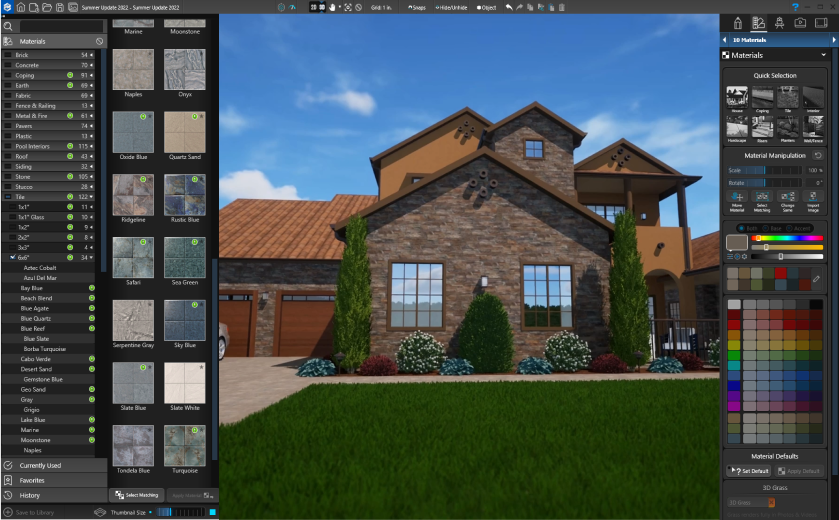
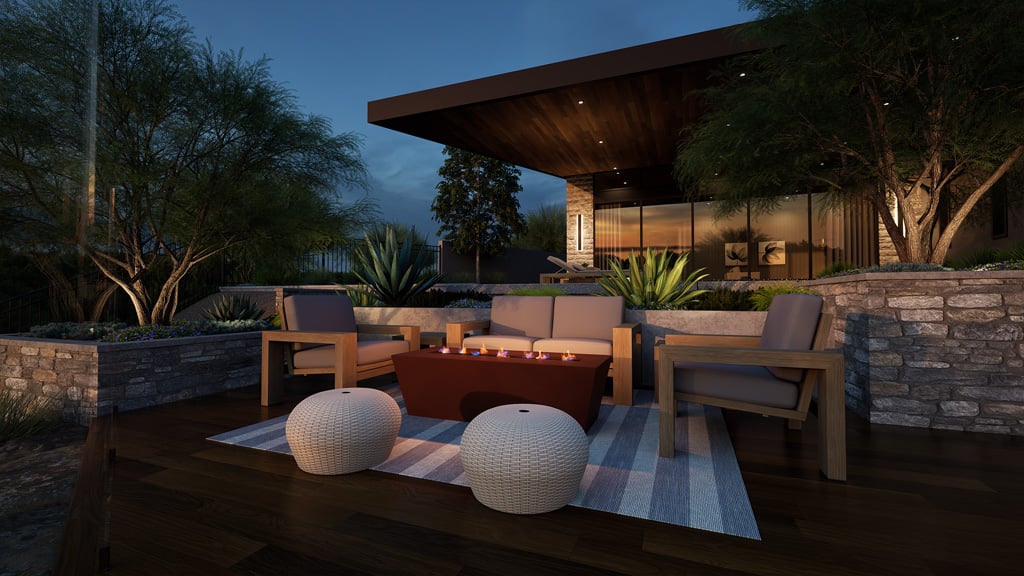
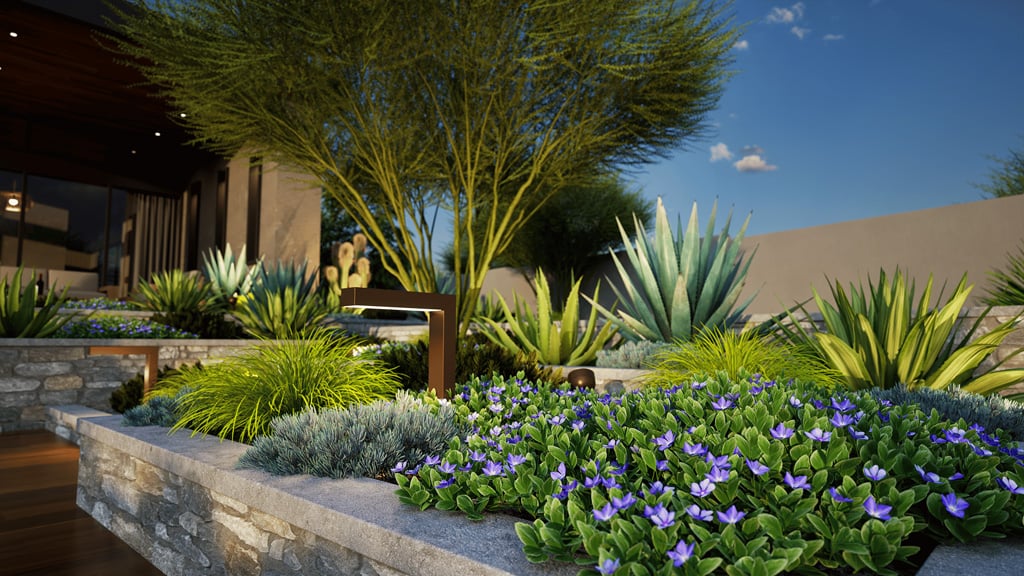
With so many new Materials and Plants, it’s easier than ever to add the perfect finishing touches to your designs. You can even fine-tune each material by adjusting its vertical and horizontal scale independently. Explore 148 new materials and 456 new plant models ready to bring your projects to life.
NEW MATERIALS
In the Library, you'll find 148 new material options:
- Brick: 65 options, including running bond and stack bond patterns
- Concrete: 3 new wall options, including Cast Panel
- Marble: 14 popular colors and styles
- Rock: 15 surfaces that apply dynamically to rock work
- Roof: Copper Standing Seam option
- Stacked Stone: 30 new and enhanced options
- Tile: 5 new Limestone options and 5 additional Tile options
- Wood: 5 new finishes for Flooring and 5 new finishes for Window Frames
NEW PLANT MODELS
Impress your clients with 456 new, realistic plant and tree models—each with multiple variations—ready to place in your designs:
- 2 Cacti & Succulents
- 41 Groundcovers
- 77 Herbaceous
- 11 Palms
- 160 Shrubs
- 16 Topiaries
- 149 Trees
Items & Library
Version 4 dramatically expands the options in the Library, with 380 new options, including a completely new dynamic door system, visually stunning dynamic rockwork and popular furniture.
DYNAMIC DOOR SYSTEM
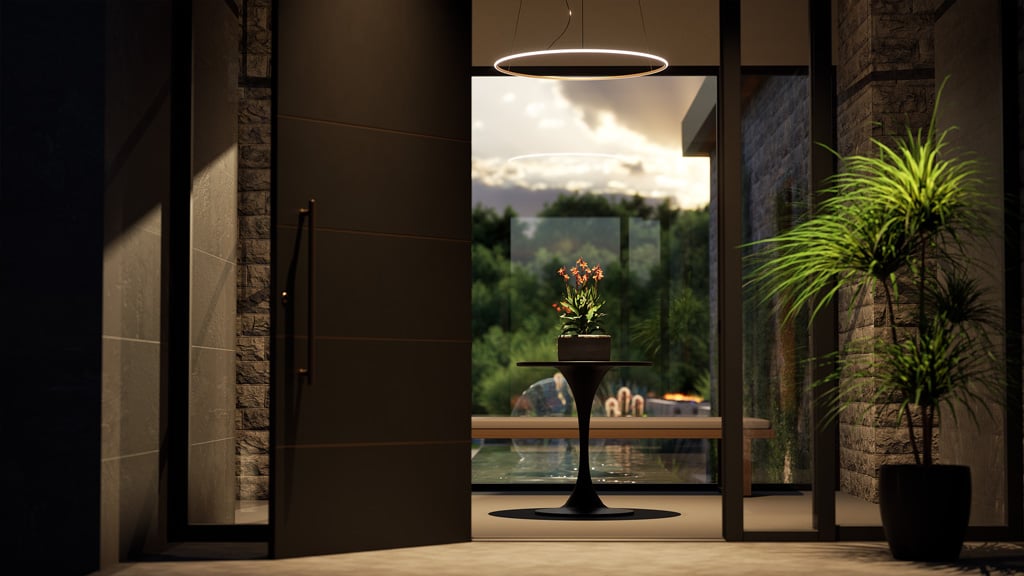
Invite your client right in—through their very own custom door! With the new Dynamic Door System, it takes just a simple click to easily open and close doors. This new system includes the option to set the door swing. Set it wide open to showcase the new view or open it just a sliver to offer a tempting peek!
DYNAMIC ROCKWORK
The updated Rockwork textures offer a fresh take on one of the most classic and beautiful elements of any backyard design. As you place rocks in your project, the new dynamic texture makes each one look natural and organic. The results are truly spectacular, making each project that you design all the more unique and inviting. 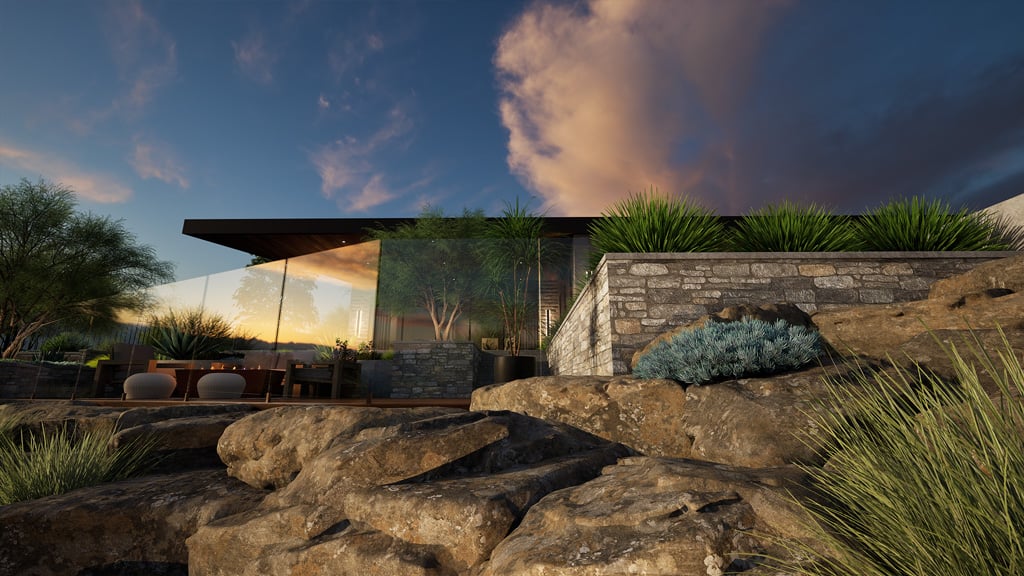
NEW ITEMS
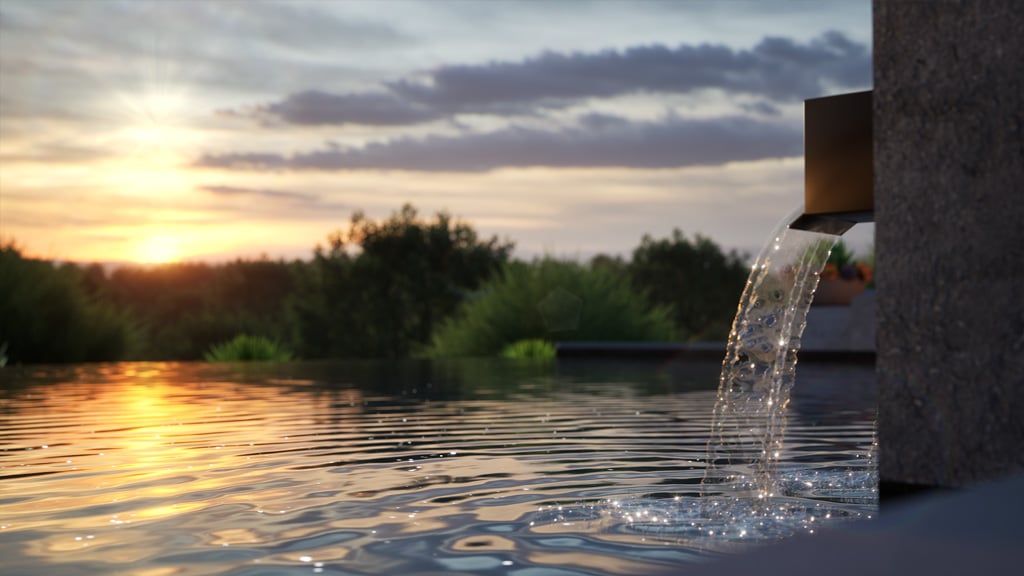
Water Features: 6 Animated and 6 Static options for Aerators, Bubblers, and Descents
Furniture: 165 new pieces, featuring popular modern styles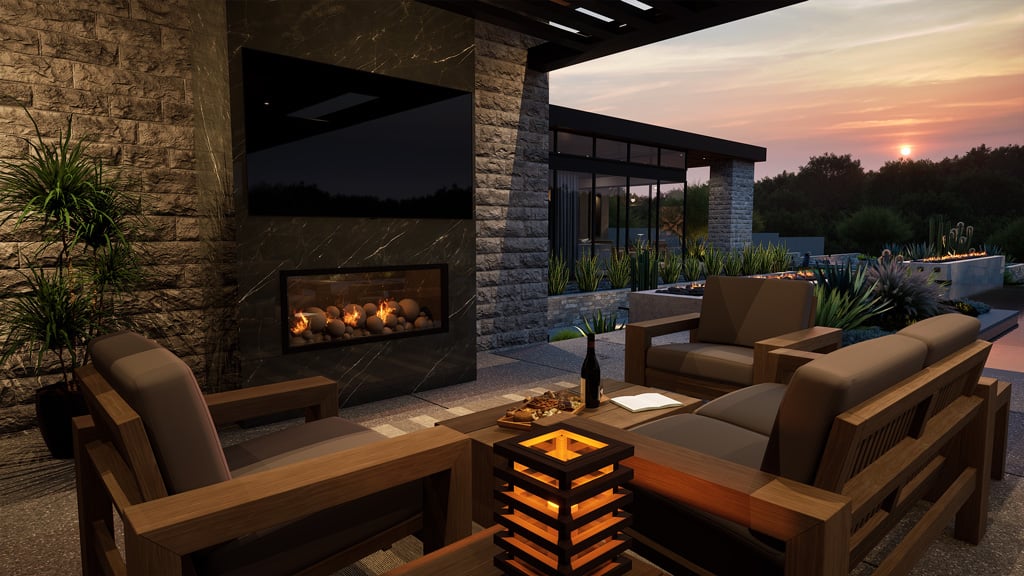
Outdoor Kitchens: 56 new items, including upgraded grills, a glass-door refrigerator, and a griddle cooktop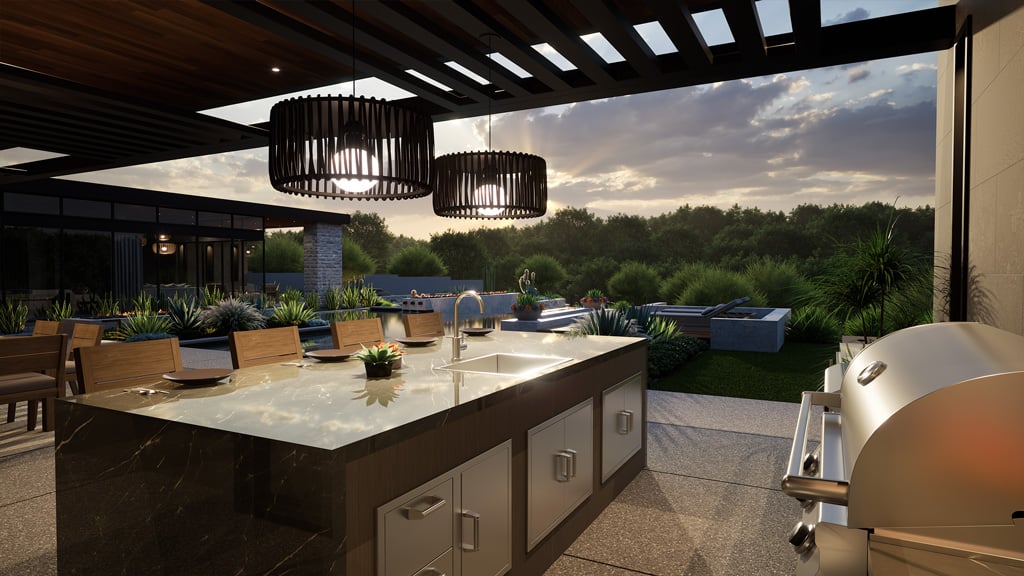
SKETCHUP MODELS
It’s easier than ever to achieve fantastic results with the models that you import into your designs. Now, a 2D symbol outline is generated of the imported model, making plans clean and easy to read.
You can also edit imported models (just like the ever-useful “groupception”) by simply double-clicking to remove any extra items in the model that you do not need.
Construction
Explore new ways to get your project ready for construction. With new options like Page Template defaults, Scaled 3D Plan Views, and Cross Sections, this update brings new enhancements that significantly streamline your design process.
DEFAULTS
Set your default layers and settings per layer. Each time you start a new file, the layers will be set. You can also set your default Page Templates to load in the file automatically when you start the project.
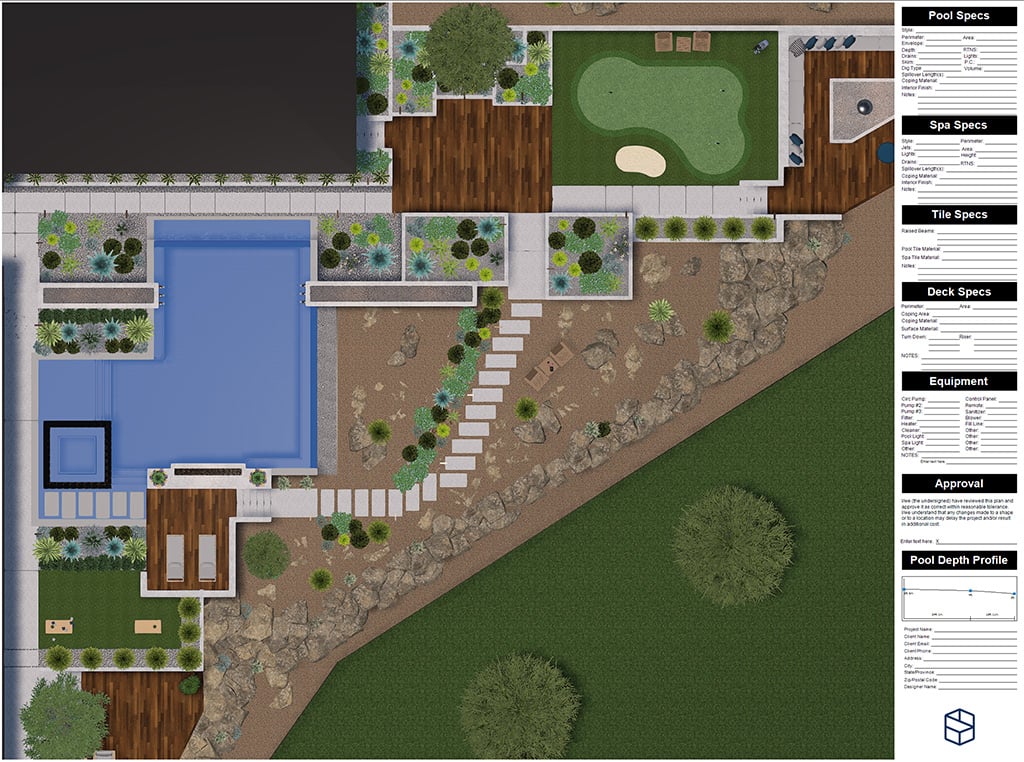
SCALED 3D PLAN VIEWS
Top-down scaled 3D plan views can now be used as full-color scaled construction plans.
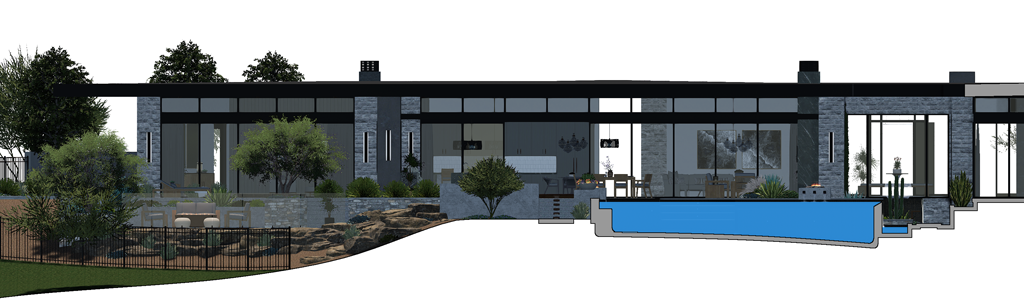
CROSS SECTIONS
Explore the new Cross Section feature in Page Layout. Cut your project along a precise plane and reveal exactly the details you need. When a section plane is active, everything on one side of the cut is hidden, so you can quickly focus on the details that matter.
Enhancements
- Software: New Streamlined Interface
- Performance: File and Library Loading
- Design: Export Project option to include all imported data
- Design: Smart Snaps: Extension Snap
- Design: Auto Save speed improvements plus ability to set time intervals
- Design: Wall lines option for Left, Center, or Right
- Design: Fence rails now support Front, Back, and Middle positioning
- Design: Fences include a new Drink Rail option
- Design: Enhanced Pool Water Caustics
- Design: Spillovers Adjust with 4 Corners
- Design: Ability to add Scoring Lines on Coping
- Design: Insert Step Light button for Staircases
- Design: Planter Curbs Adjust with 4 Corners
- Design: Planter Curbs generate inside or outside planter shape
- Design: Pergolas Ledger Surround option
- Design: Pergolas Single Rafters support top, front, or back positioning
- Design: Pergolas Supports Inset option
- Design: RealDWG 2026 Support
- Design: Autocorrect large Text Box size
- Design: Shortcut (Ctrl+Shift+G) for 3D Grid
- Materials: Currently Used to display Total Surface Area
- Materials: Tint support for silhouette characters
- Presentation: 2K Quad HD option for Photos and Videos
- Presentation: Queue multiple storyboards to render
- Symbols: Set Custom 2D Symbol Size vs 3D Model
- Construction: Markup Responsiveness
- Construction: Markup Defaults and Default Font
- Construction: Markup Pan Fill Patterns
- Construction: Page Layout Set default templates for every new project
- Construction: Page Layout PDF Export Options
- Construction: Page Layout Lock Title of Blocks
- Construction: Page Layout Plant Legends Auto Scale
- Construction: Page Layout Legends Sort Arrows per Column
- Smart Data: Nozzles included in calculations
- Smart Data: Concrete Calculations for Raised Pools with Hardscapes
- Smart Data: Internal Surface Calculation Excludes Hardscape Sides
- Smart Data: Adjustable Width for Detached Smart Data Window
- Performance: Hundreds of minor interface flow enhancements
- Performance: And hundreds more fixes and small enhancements